



- DATE:
- AUTHOR:
- The TeamSnap ONE team
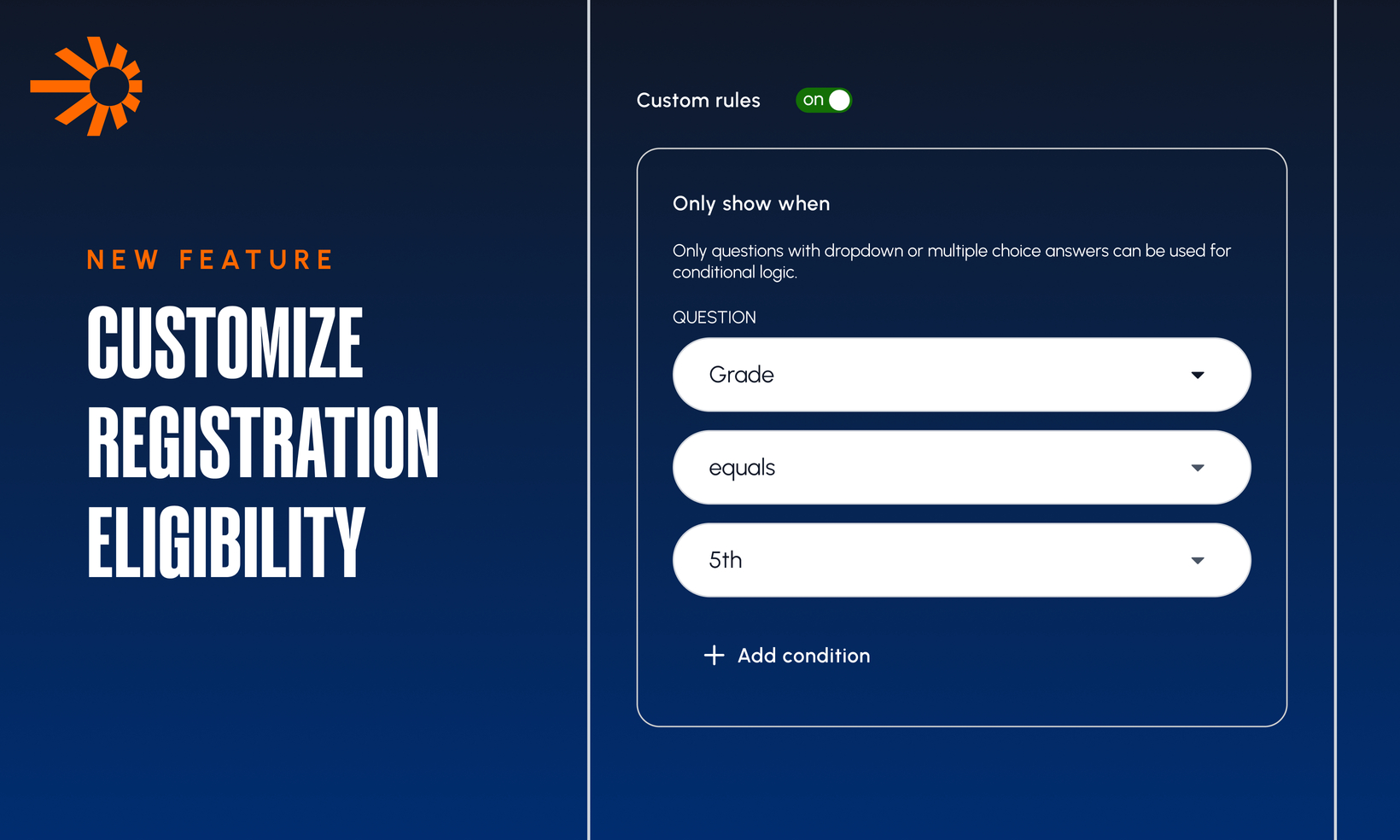
Now Available: Custom Eligibility on Registration Groups
Age and gender aren't the only things that decide who belongs in which registration group. With Custom Eligibility Questions, you can now gate any registration group on grade, school, neighborhood, skill tier, tryout result, position, or any other drop-down question already in your question library.
[WATCH: Adding Custom Eligibility to Registration Options]
Build eligibility rules from your own question library. On the Groups step of your registration form, open Eligibility settings on any group and add criteria from any drop-down question, plus Date of birth and Gender, which are built in by default.
Pick the answers that qualify. For each question, choose which answers make an athlete eligible. A match on any qualifying answer for that question passes; all questions attached to a group must pass for the group to be offered.
No duplicate questions for parents. A question used for eligibility is locked and shown above the Participant questions section on the Questions step. It can't be added again as a regular form question, so parents are never asked the same thing twice.
Eligibility travels with the form. Duplicate a registration form and every group's eligibility questions and qualifying answers come with it, automatically.
A new step for parents: Eligibility Questions. Right after selecting a participant and before seeing registration options, parents now answer eligibility questions (including gender and birth date, which move here from the participant info step). Only the groups their athlete qualifies for are shown nothing else appears.
Answers flow into your data. Eligibility responses save to the registration record alongside standard form answers, and show up in the registration data table and CSV exports.
Note: Only drop-down questions can be used for eligibility in this release.